Framecut
iOS · ANDROID
Video to GIF, at the size you need.
Trim a clip, set a file size limit, and Framecut lowers resolution, frame rate and quality only as far as it has to. GIF or animated WebP. Everything runs on your device.
Free with ads. Requires iOS 16 or Android 10.
HOW IT WORKS
01
Trim
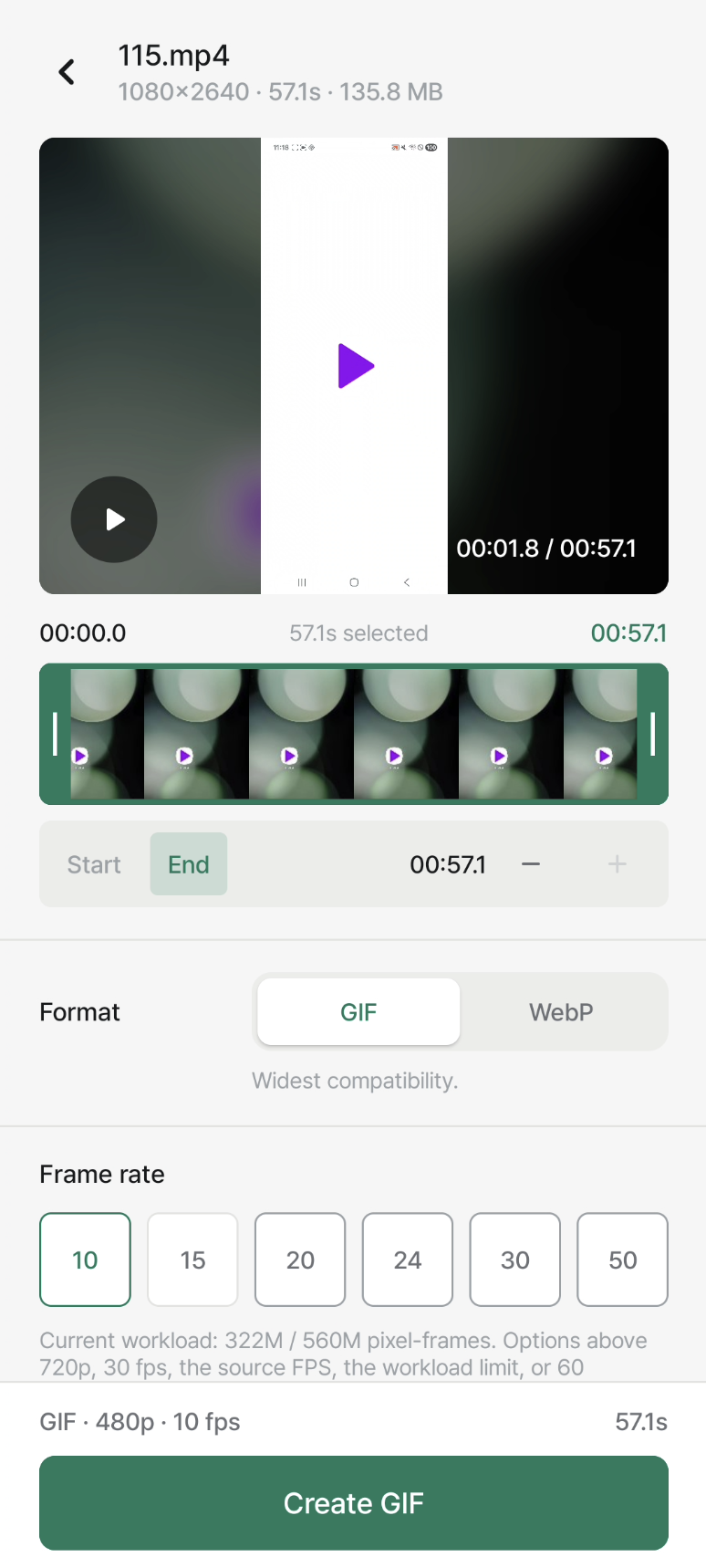
Drag two handles on the timeline. The selection plays on loop so you see exactly what you are exporting.
02
Set a ceiling
Pick format, frame rate, resolution and quality. Add a size limit and the app shows what it lowered, and to what.
03
Save or share
The result screen reports the applied settings and the final file size before you send it anywhere.
SCREENS
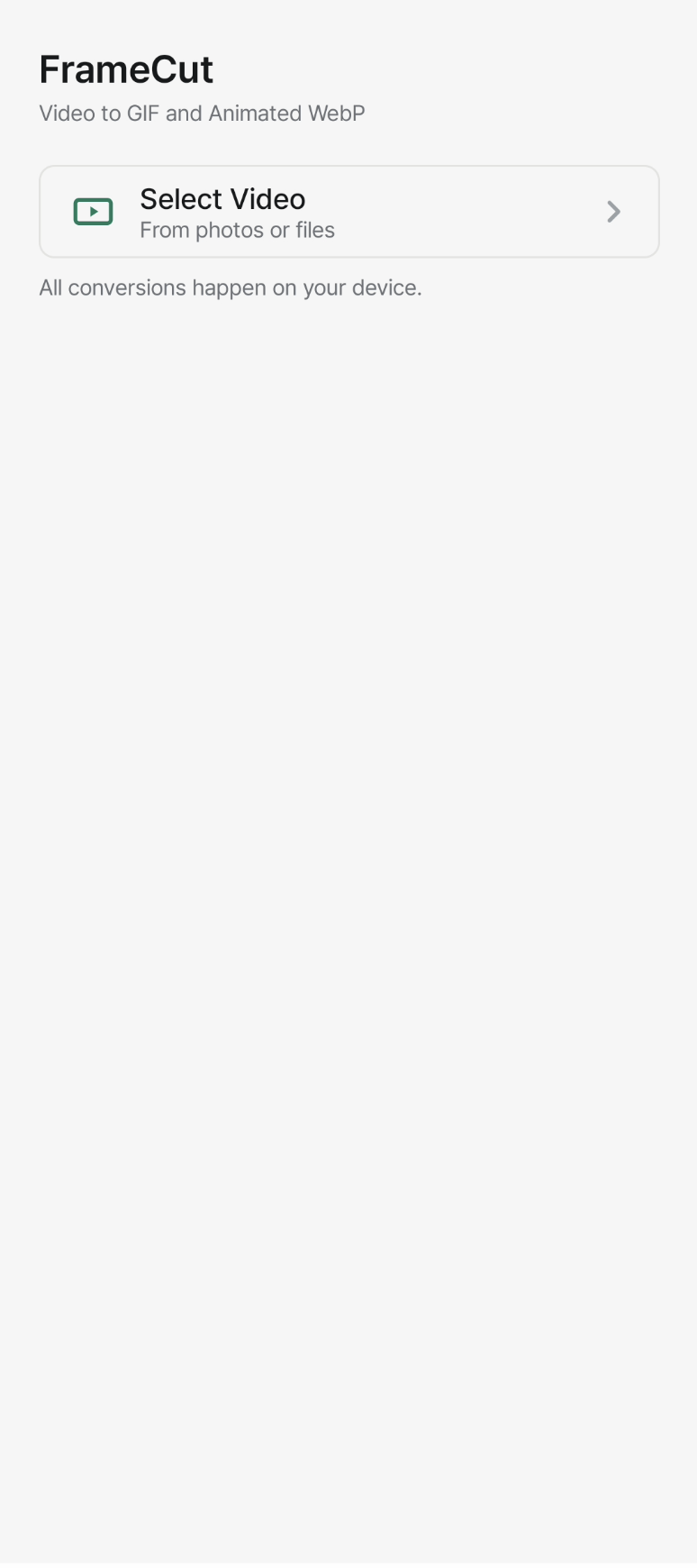
Pick a clip, or start from a recent one.
Every setting and its size cost on one screen.
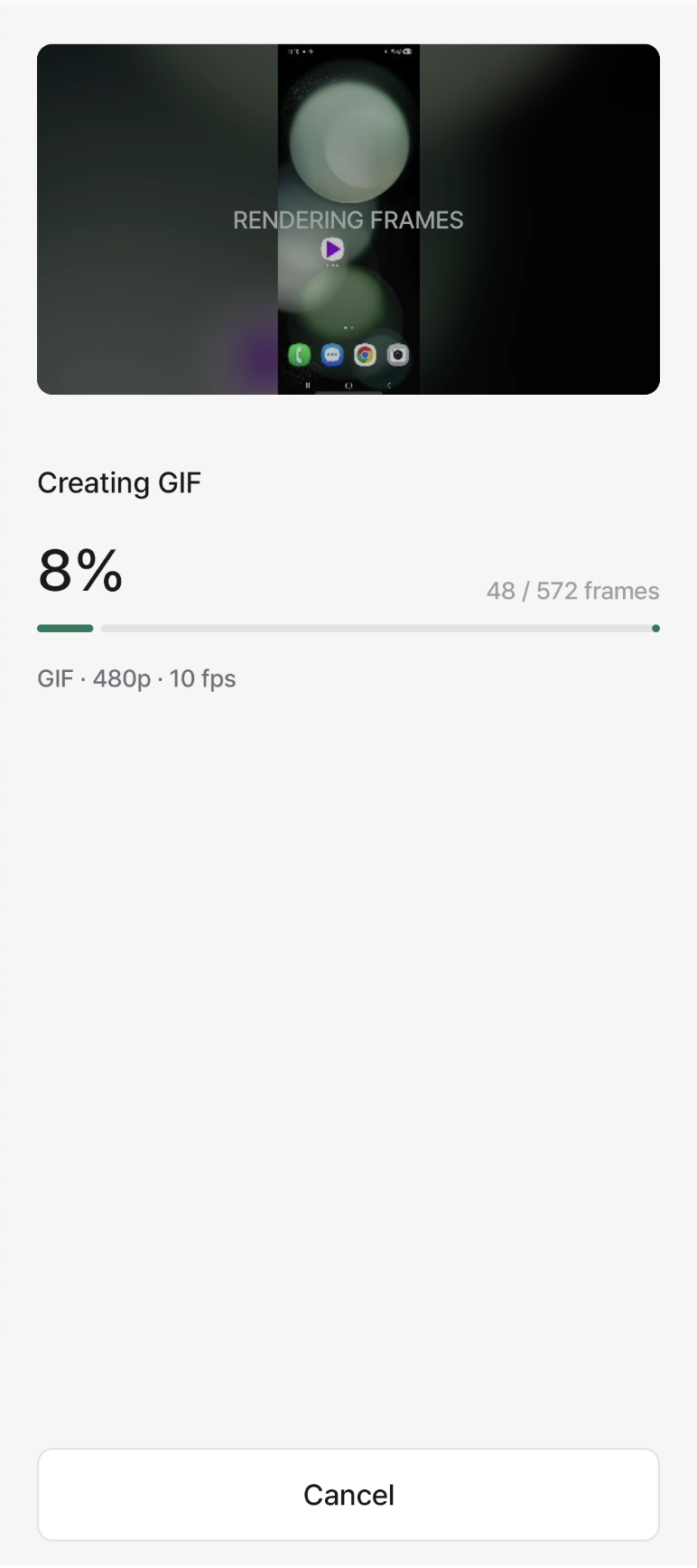
Frame-accurate progress, cancellable.
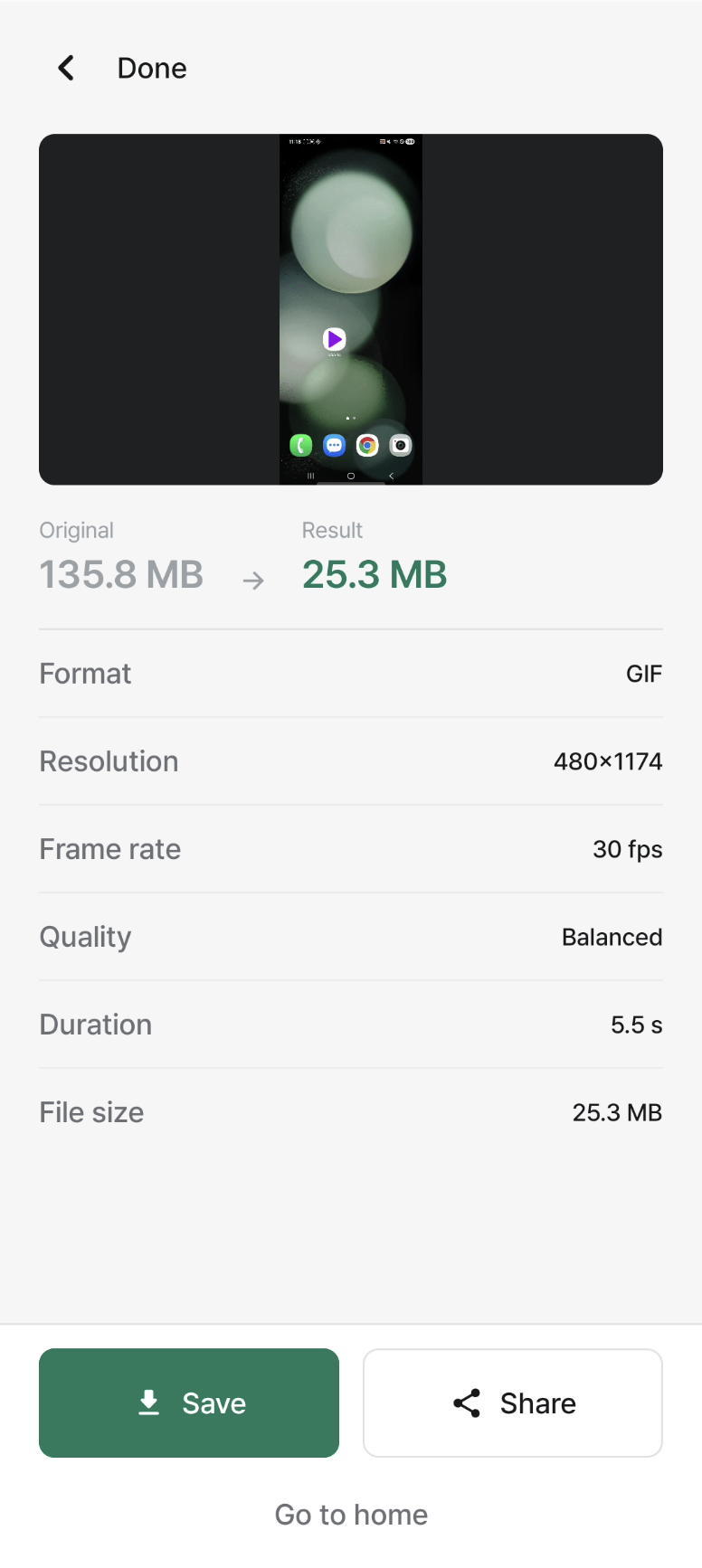
Before and after, then save or share.
SPECS
Output formats
GIF · animated WebP
Resolution
up to 1080p
Frame rate
10 – 50 fps
Size limits
1 / 5 / 10 MB · custom
Input
MOV · MP4 · M4V
Max clip length
60 s
Processing
on-device
Price
Free, ad-supported
PRIVACY
Conversion runs entirely on the device. Framecut has no accounts, no upload step and no analytics on your media. Videos you select are read only while a conversion is in progress, and the app requests nothing beyond access to the file you pick.
Data collected
None
Account required
No
Works offline
Yes
Get Framecut
Free on iOS and Android.